Ad placeholder
Photo mode

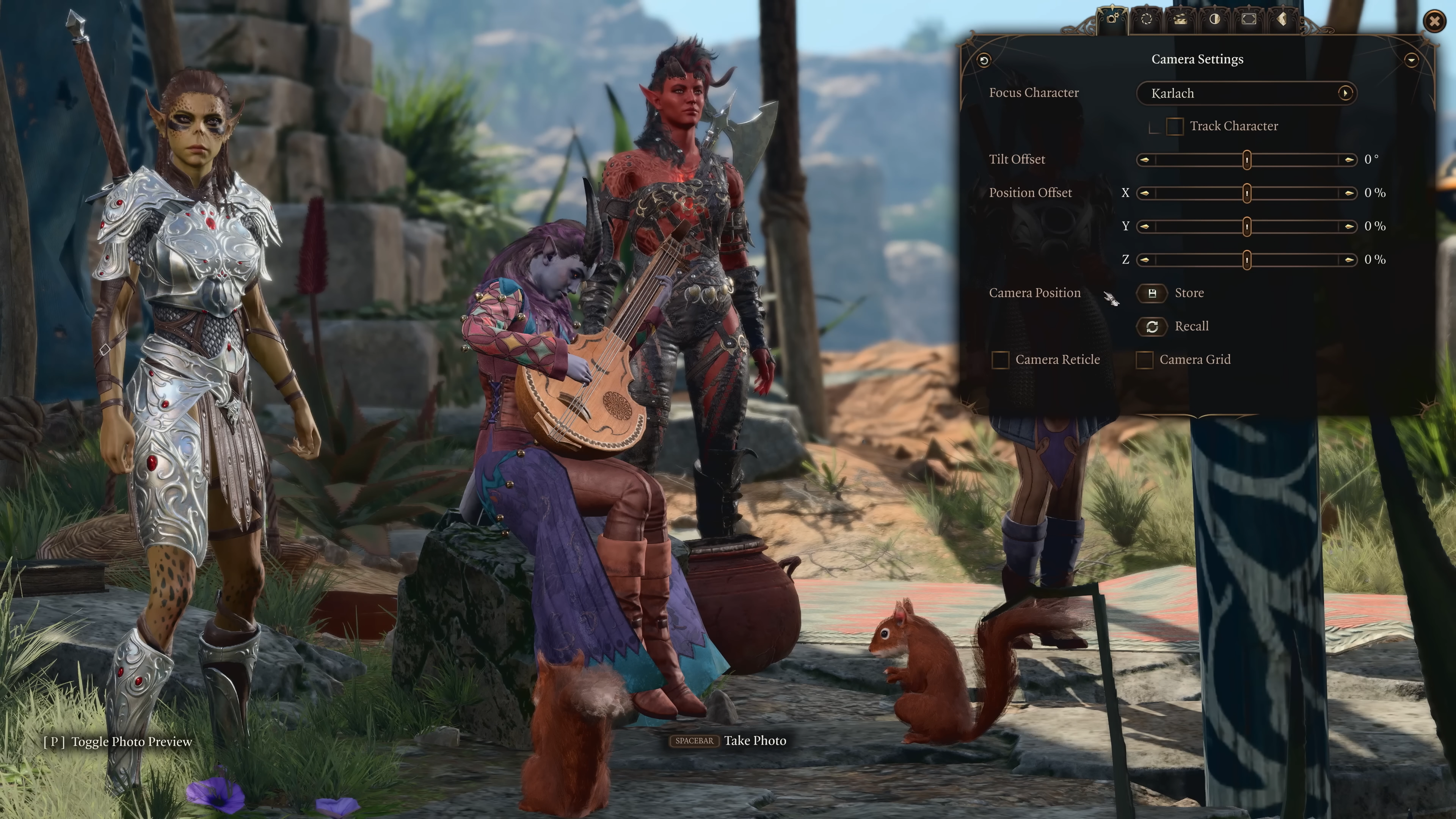
Photo mode is an option allowing players to pause the game to take screenshots (i.e., photos) using additional camera settings, altered character poses, frames, stickers and post processing effects. Released as part of Patch 8 on April 15, 2025. [url 1]
Overview[edit section | visual editor]

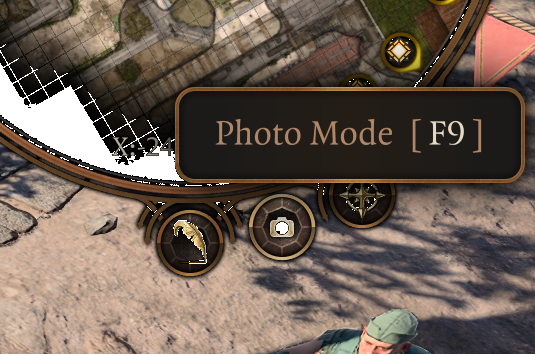
Photo mode is entered by pressing down on both analog sticks if on console, or by pressing F9 if on PC. It can also be enabled by clicking on the Photo mode icon on the HUD minimap. In multiplayer only the host is able to do this.
It allows the player to pause the game and take screenshots using additional settings and effects. In total there are six tabs which allow customizing the screenshot. While in dialogue or cinematics only the tabs Post Processing Effects, Frames and Stickers are available.[url 2]
Camera settings[edit section | visual editor]
The first tab, Camera Settings, allows the player to choose how to focus the camera on a character and / or tweak various parameters such as:
- Tilting the camera with an offset (-180° to 180°)
- Position related to focus point (x, y and z)
- Showing a camera reticle and / or a grid
The camera position can be saved and restored in this tab.
Lens settings[edit section | visual editor]
Allows the user to change the (virtual) lens of the camera taking the screenshot: the field of view can be changed up to 115° and decrease or increase the exposure between -100% and 100%.
There are separate settings for depth of field, which can be changed to focus on a character or be used for manual editing. In the latter, both the strength (between f/1.0 and f/22.0) and the distance (up to 30m) of the depth can be set.
Character settings[edit section | visual editor]

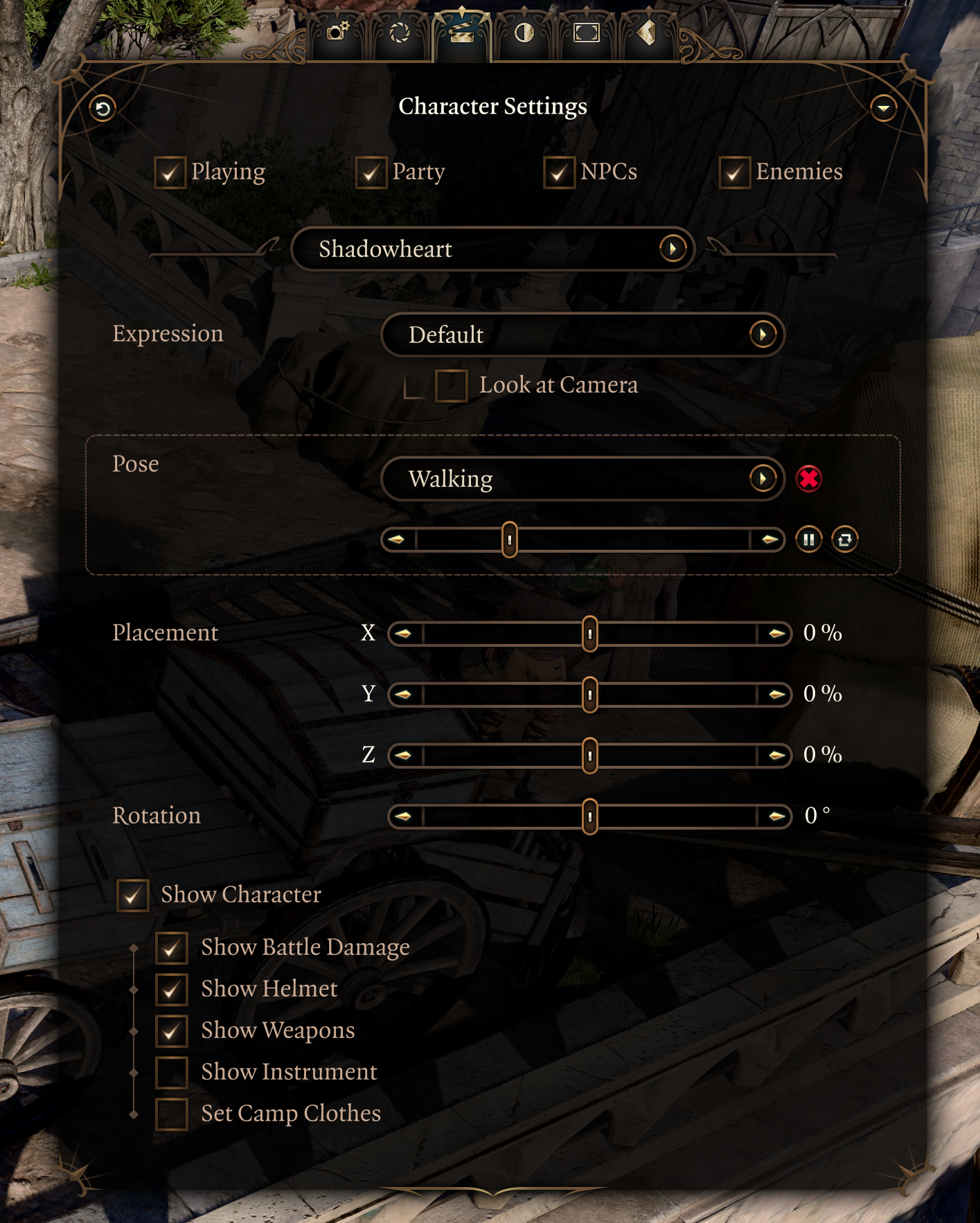
The third tab, Character Settings, controls which characters are displayed on screen. It is possible to toggle four groups:
- The current character being played
- The party
- NPCs
- Enemies
Per character in the party, a separate list of settings can be configured.
- Their expression, and if they look at camera
- A pose (including animation loop if applicable)
- Placement (x, y and z) between -100% and 100%
- A rotation between -180° to 180°
- A set of display options (show helmet, instrument, etc)
Post processing effects[edit section | visual editor]
The fourth tab allows the application of post processing effects in photo mode. Nine colour gradings are available to use. In addition, various settings can be configured – all between -100% and 100%:
- Contrast
- Saturation
- Highlights
- Brightness
- Vignette (8 possible colours)
- Vignette Opacity
- Vignette Thickness
Frames[edit section | visual editor]
Screenshots can be framed from a selection of seven types. Opacity of the frame can be set between 0 and 100%.
In addition, side bars can be applied to either the horizontal or vertical sides. Opacity can be set for these bars separate of the frame, and the size of the bars can also be adjusted.
Stickers[edit section | visual editor]

A maximum of 30 stickers can be added to each picture. For each sticker the following settings can be adjusted:
- The position (x and y) as a percentage on the screen
- The size of the sticker
- The rotation
- Its opacity from 0 to 100%
- Mirroring the sticker on the x or y axis
References[edit section | visual editor]
- ↑ Larian Studios. The Final Patch: New Subclasses, Photo Mode, and Cross-Play.
- ↑ Larian: Channel From Hell. How to Get Started with Baldur's Gate 3 Patch 8 Photo Mode.