Ad placeholder
Tags

Tags in Baldur's Gate 3 are identifiers attached to creatures. They can have various effects on gameplay, like enabling additional dialogue options, or deciding whether the creature can be targeted by certain spells. There are many different tags throughout the game. Some are defined by a character's background and inherent traits, while others are obtained by performing certain actions.
Overview[edit section | visual editor]
Tags are attached to characters and serve a few different purposes. Most tags are used for dialogue options; for example, monk-specific dialogue options are enabled via the Monk tag. Tags like Branded are required to use certain features of items. Which tags apply to a character can be found at the bottom of the 'Detailed View' in the character panel. Note that not all tags that appear next to dialogue options are necessarily linked to a character tag; for instance, the Illithid option shows up in conversations but is not a tag in the character panel.
Below follows a list of all possible tags in the game:
Race[edit section | visual editor]
Each race grants its specific name as a tag.


Subraces[edit section | visual editor]
Most subraces grant a tag as well. Notably, dragonborn subraces do not have any tags.


Class[edit section | visual editor]
Paladins do not have a class tag, only a tag for their chosen subclass. Clerics also lack a class tag, only having a special tag based on their chosen deity. Picking another class via multiclassing also grants that class's tag.


Subclass[edit section | visual editor]
Only paladins and warlocks have tags for each of their subclasses. For barbarians, only the Berserker subclass has a tag.


Cleric deity[edit section | visual editor]
Clerics get their class tag named after their chosen deity. The 


Additionally, characters multiclassed into both cleric and paladin receive another tag corresponding to their deity. The ability for paladins to choose a deity was removed after Early Access, but paladins with cleric levels may still receive these tags. Similar to the cleric tag, there exists a special
Origin characters[edit section | visual editor]
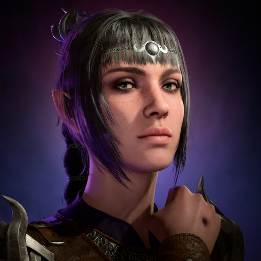
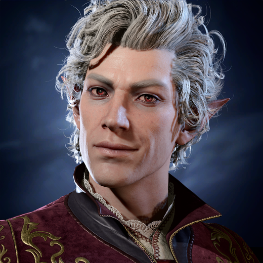
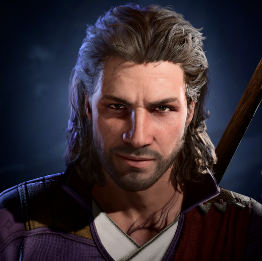
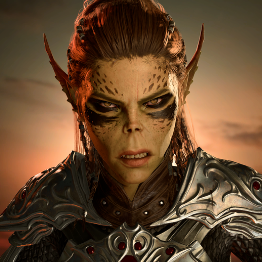
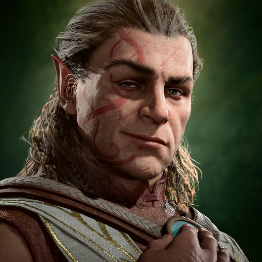
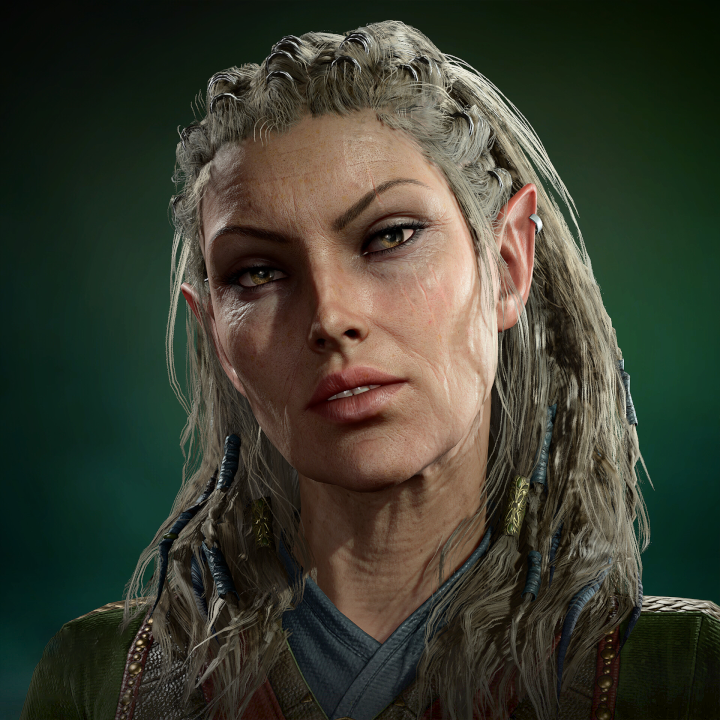
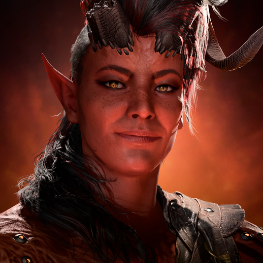
All origin characters and companions have a tag specific to them.


Special tags[edit section | visual editor]
Outside of the tags mentioned above, additional tags exist which do not fall into any category.
- Baldurian – granted if a character's race is not from the Underdark (


- Branded – getting branded by


- Dark Justiciar – given to


- This can also be acquired by any character for attacking Nightsong from beyond normal Ranged Attack distance while she is still caged.
- Detect Thoughts – while under the effects of the spell or having the means to cast it
- Faithwarden – completing


- Forbidden Knowledge – upon partially deciphering the

- Hag-Eyed – accepting
- Humanoid – always granted, but can be (temporarily) removed, see shapeshifting
- One-Eyed – granted if:
- Character is


- Character has

- Character is
- True Soul – granted after using

- Underdark – granted if a character's race is from the Underdark (








































































Special interactions[edit section | visual editor]
Disguise self[edit section | visual editor]
While using 




Similarly, disguise effects temporarily remove the Branded tag, causing effects which require the Brand of the Absolute to no longer work, such as the 

Shapeshifting[edit section | visual editor]
Using either 



Becoming 
Notes[edit section | visual editor]
- ↑ This used to be available to all characters during Early Access but was cut before the full release. Additional cleric deities used to be available as well, see cut content.